
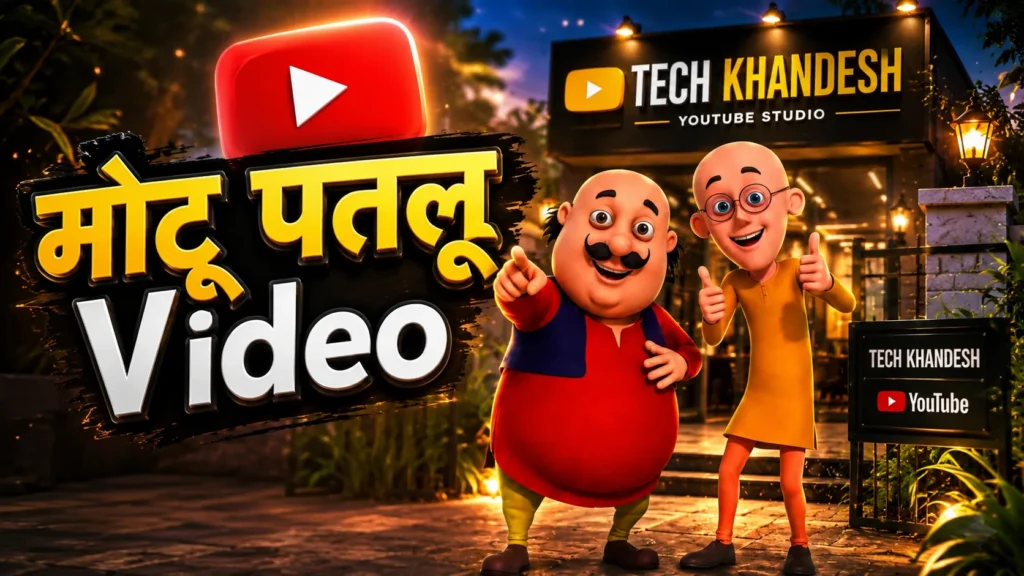
Motu Patlu Ai Video – सध्या Instagram वर मोटू पतलू ना Video भल्ता Viral व्हई रायनात, पण या Ai Video कसा बनावनात कोनितच पुर्ण सांगी राहाण नई. पण Tech Khandesh तुम्हले Motu Patlu Ai Viral Video कसा बनावना Step By स्टेप सगळी प्रोसेस आणी Video Ai Prompt पण देवाव शे.
Motu Patlu Ai Video
Right now, Motu Patlu AI videos are going extremely viral on Instagram. But no one is explaining the complete process of how to create these AI videos. That’s where Tech Khandesh comes in! We’ll show you the entire step-by-step process to create Motu Patlu AI viral videos, along with all the AI prompts you need to generate them.
Motu Patlu Ai Video Step By Step Process
तर मोटु पतलु ना Viral Ai Video कसा बनावना सगळी माहिती खाले देल शे. Step व्यवस्थीत Follow करा कोणताच प्रोब्लेम येवाव नही.
- Step 1 – Motu Patlu Photo Download करा.
- Step 2 – आता Motu Patlu येस्ले जठे उभं करिसन Video बनावना शे त्या दुकान, जागा, कींवा गाव ना एक फोटो काढी ल्या.
- Step 3 – आते ChatGPT Open करा आणी पहीले Motu Patlu ना फोटो Upload करा, त्यानंतर दुकान, जागा, कींवा गाव ना फोटो Upload करा.
- Step 4 – खालेथीन Image Prompt Copy करिसन ChatGPT मा Paste करा तुम्हना फोटो तयार व्हई जाईन.
- Step 5 – Gemini Open करा + वर Click करा आणी Video सेलेक्ट करा.
- Step 6 – जर तुम्हना मोबाईल मा Jio SIM व्हई तरच Gemini मा Video Option दिखी.
- Step 7 – Gemini मा ChatGPT कडुन बनायेल Photo Upload करा.
- Step 8 – खालेथीन Video Prompt Copy करिसन Gemini मा Paste करा.
- Step 9 – तुम्हले Video Prompt मा बद्ल करणा पडथीन जस की Dialogs, तुम्हले Motu Patlu कडथीन जे बोली लेवान व्हई त्यानूसार Dialoge मा बद्ल करा.
- Step 10 – आणी Send करा थोडा टाईम लागी वाट दखा, मग तुम्हना Motu Patlu Ai Video तयार व्हई जाई.
IMAGE PROMPT
Use the uploaded cartoon characters from the first image and naturally place them into the uploaded location from the second image as if they are visiting the place together. Preserve their exact appearance, proportions, colors, facial expressions, clothing, and art style. Blend them seamlessly into the environment with realistic perspective, scale, lighting, shadows, and depth so they look naturally present at the location. Do not modify the background or the characters beyond what is needed for realistic integration. The final image should look like a genuine photo of the two cartoon characters visiting the location.
VIDEO PROMPT
Use the uploaded image as the starting frame. The two cartoon characters must remain exactly identical to the uploaded reference throughout the video, preserving their facial features, body proportions, clothing, colors, expressions, and original cartoon art style. The shop exterior and branding should also remain unchanged. Create a 6-8 second cinematic advertisement. The camera begins with a smooth slow dolly-in toward the shop while both characters stand naturally in front of the entrance, smiling and interacting with the viewer. Their body language should be energetic, friendly, and expressive with natural hand gestures, eye contact, blinking, and subtle idle movements. Add realistic environmental motion such as a gentle breeze, moving shadows, slight cloth movement, and natural lighting. The camera movement should be smooth and professional with no sudden cuts. Dialogue (Ahirani): Motu: "राम राम मंडळी! आज आम्ही येल शेत [टेक खान्देश] ले. Patlu: "आठे तुम्हले [फ्री मा येआई शिकाले भेटीन] " Motu: "मगं कसानी वाट दखी रायनात लवकर Follow करा [टेक खान्देश!] ले The dialogue must be perfectly lip-synced to each character's mouth movements with expressive facial animation. Motu should have a cheerful, energetic voice, while Patlu should sound confident, friendly, and informative. Use natural Indian Hindi pronunciation. The shop sign, surroundings, and uploaded image composition should remain consistent with the source image. Do not add or remove buildings or major objects. Keep the advertisement bright, clean, family-friendly, and colorful, with realistic ambient market sounds softly in the background while keeping the dialogue crystal clear. End with both characters smiling, pointing toward the shop entrance, and giving a welcoming gesture toward the viewers.
सूचना – व्हिडिओ Prompt मा Motu Patlu ना Dailog तुम्हाना पद्धत मा Change करू शकतास.

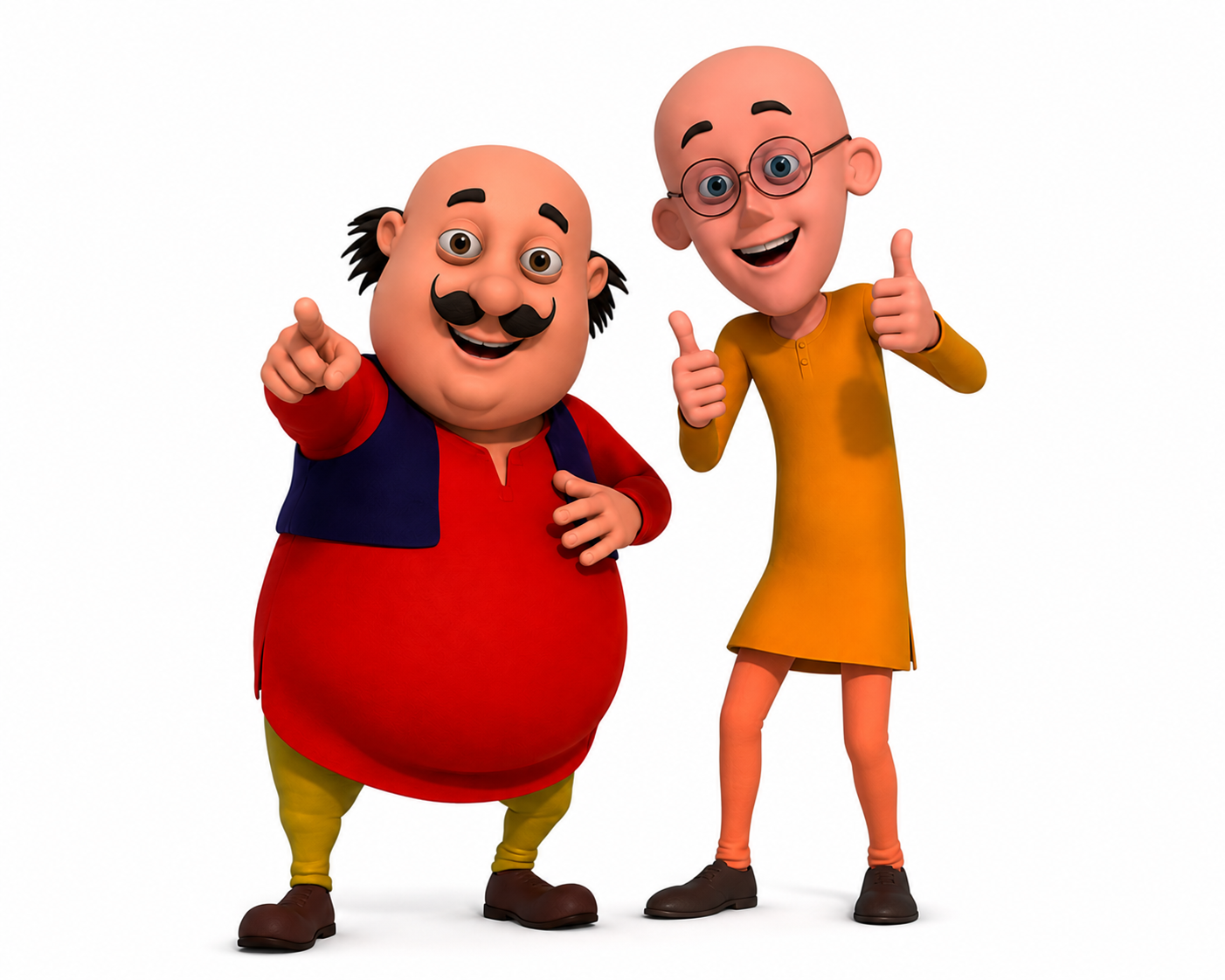
Use the uploaded cartoon characters from the first image and naturally place them into the uploaded location from the second image as if they are visiting the place together. Preserve their exact appearance, proportions, colors, facial expressions, clothing, and art style. Blend them seamlessly into the environment with realistic perspective, scale, lighting, shadows, and depth so they look naturally present at the location. Do not modify the background or the characters beyond what is needed for realistic integration. The final image should look like a genuine photo of the two cartoon characters visiting the location.
अनिल भोरकडे मोबाईल मधे फोटो कसे बनवतात आणी त्याना को टेक करा
मोठु पठलू
मोटू पतलू की फोटो